Vgridtools
Vgridtools - Vgrid DGGS Plugin for QGIS
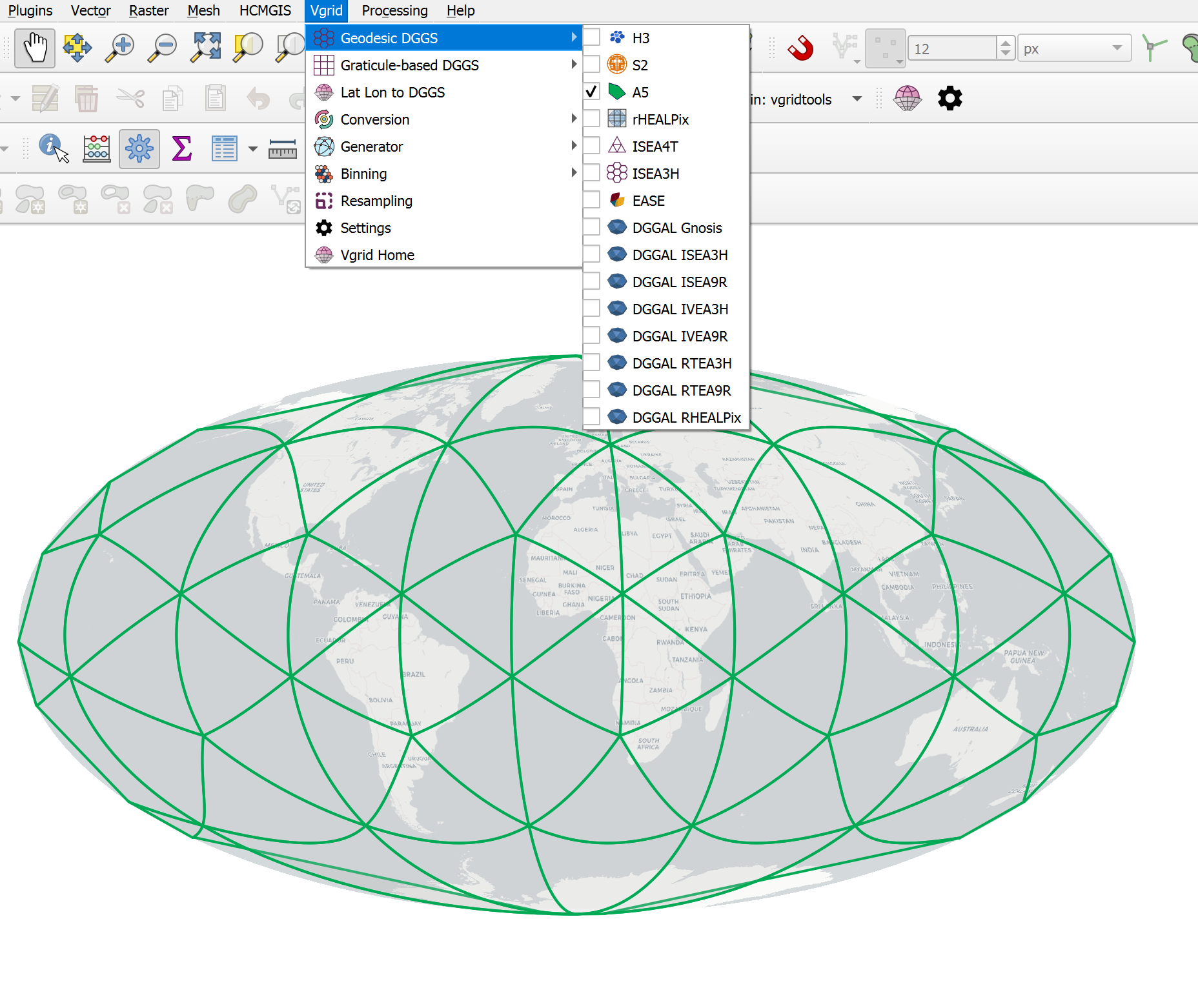
Vgridtools supports a wide range of popular geodesic DGGS, including H3, S2, A5, rHEALPix, Open-EAGGR ISEA4T, ISEA3H, DGGRID, DGGAL, EASE-DGGS, QTM, along with graticule-based DGGS such as OLC, Geohash, MGRS, GEOREF, TileCode, Quadkey, Maidenhead, and GARS.

Full Vgridtools DGGS documentation is available at vgridtools document.
To work with Vgrid DGGS directly in Python or CLI, install vgrid. Full Vgrid Python documentation is available at vgrid document.
To work with Vgrid DGGS directly in GeoPandas and Pandas, use the vgridpandas package. Full Vgridpandas DGGS documentation is available at vgridpandas document.
To visualize DGGS in Maplibre GL JS, try the vgrid-maplibre library.
For an interactive demo, visit the Vgrid Homepage.

Vgrid DGGS Tools for QGIS
Vgridtools installation
Vgrid Plugin requires the vgrid Python package to work properly. This means that before you can use the plugin, you must ensure that the vgrid package is installed in the Python environment that QGIS is using.
How you install vgrid depends on the type of QGIS installation you are using:
OSGeo4W QGIS
Open OSGeo4W Shell and run the following command before (or after) installing Vgrid Plugin
1 | |
Standalone QGIS
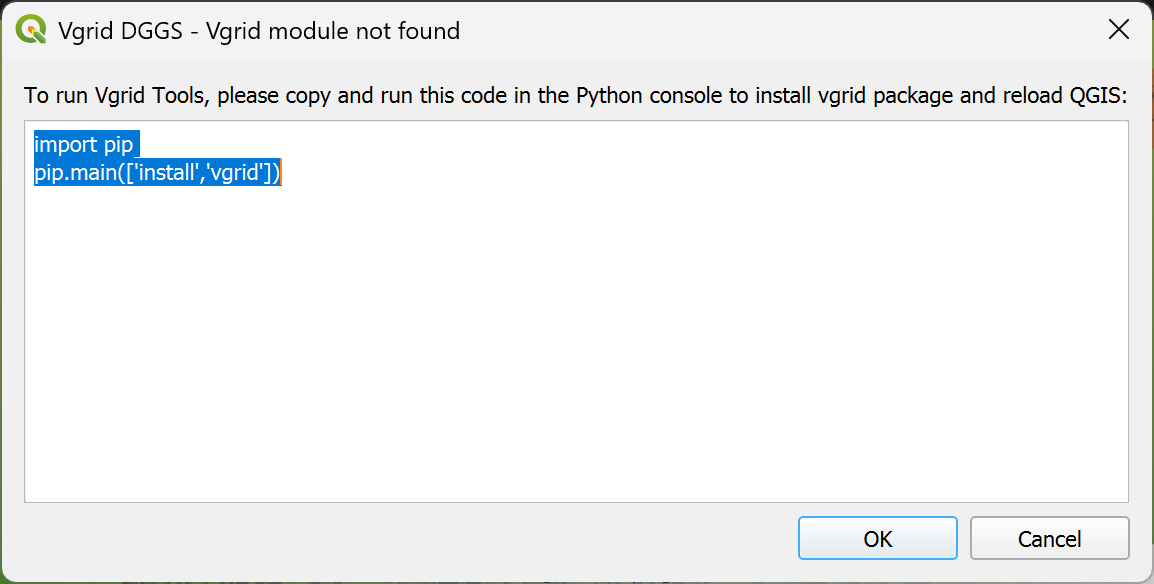
After installing Vgrid Plugin, a dialog will appear prompting you to install vgrid. Copy the following commands
1 2 | |
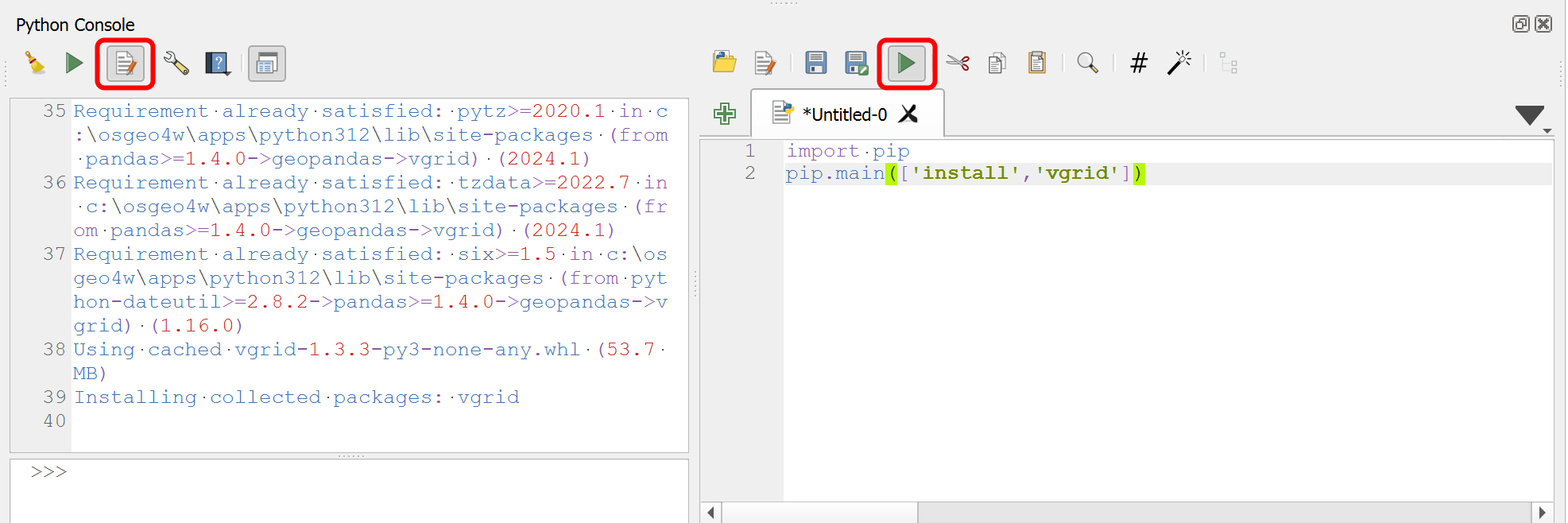
When QGIS starts, navigate to Plugins → Python Console, select Show Editor, paste the copied commands, and click Run Script.
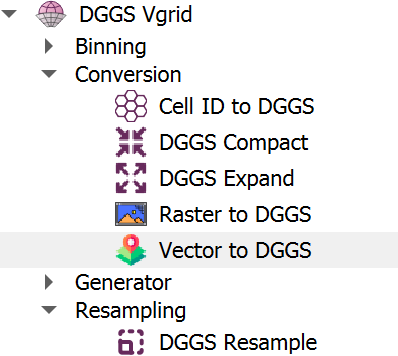
Restart QGIS, and you'll see DGGS Vgrid in the Menu bar, Toolbar, and Processing Toolbox.
DGGS Visualization
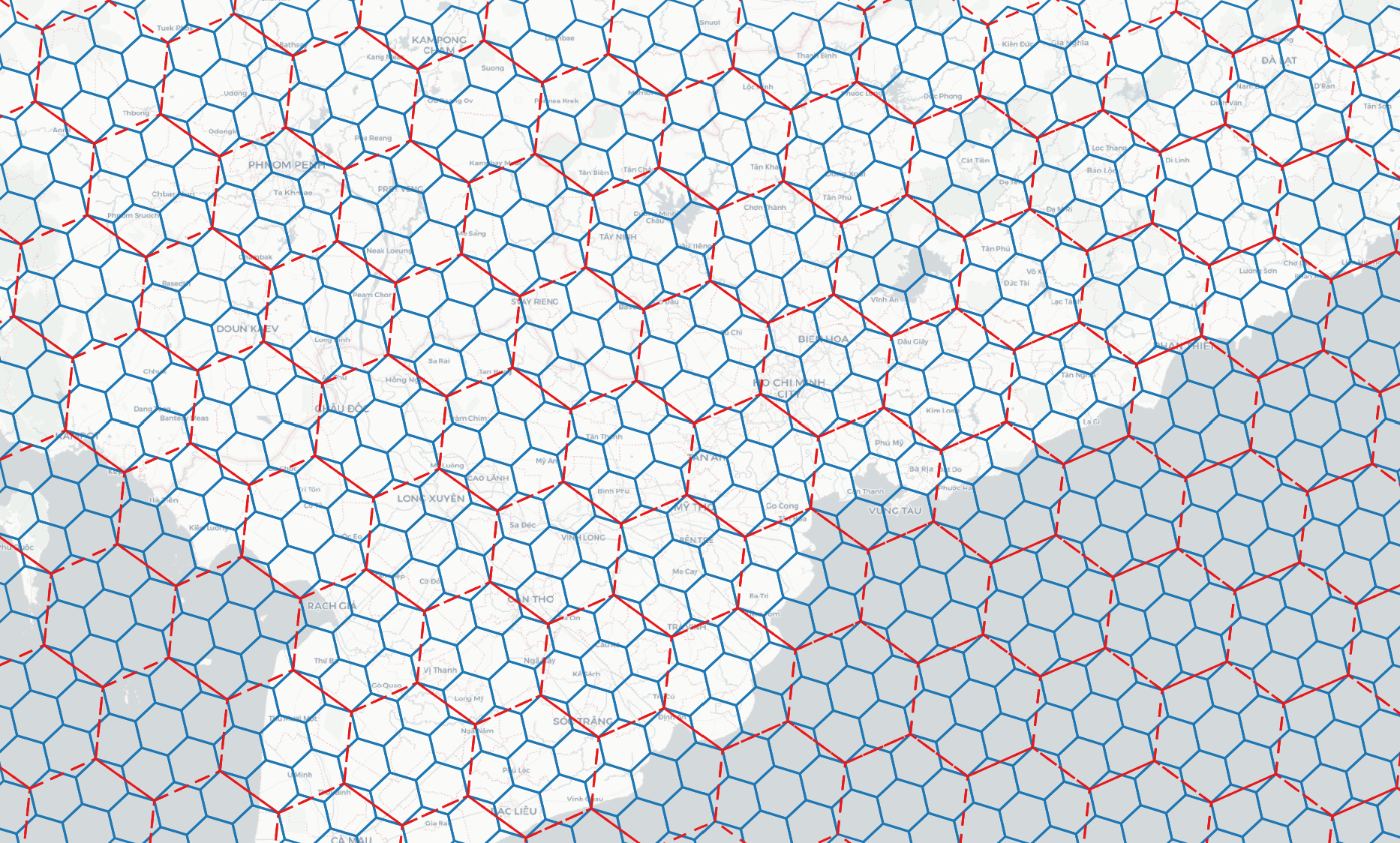
Visualize DGGSs interactively.
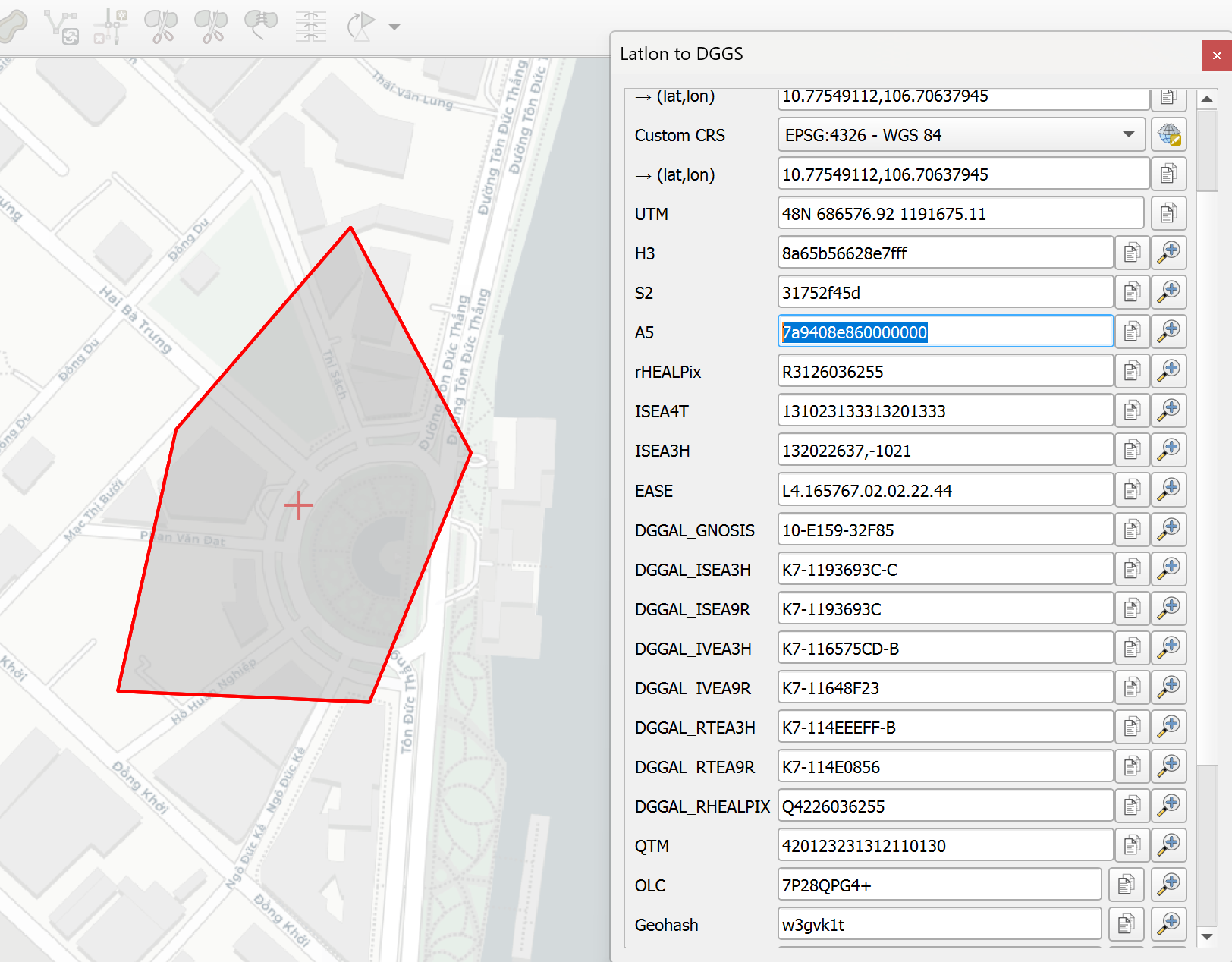
Latlon to DGGS
Click and zoom to DGGS cells.
DGGS Conversion
- Cell ID to DGGS: see Cell ID to DGGS
- Vector to DGGS: see Vector to DGGS
- Raster to DGGS: see Raster to DGGS
- DGGS Compact: see DGGS Compact
- DGGS Expand: see DGGS Expand
DGGS Binning
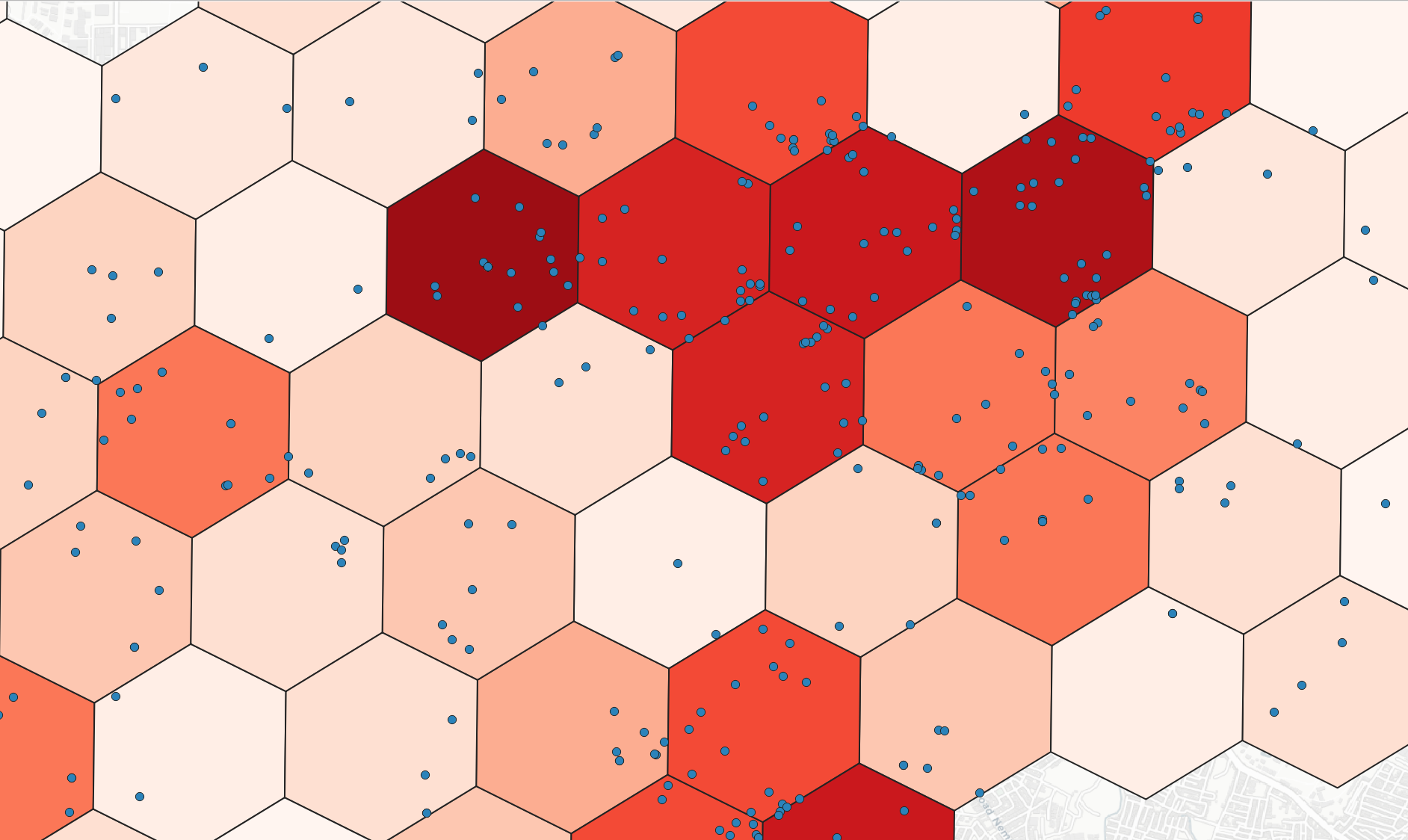
Bin/ aggregate point layer into DGGS at a specified resolution.
DGGS Resampling
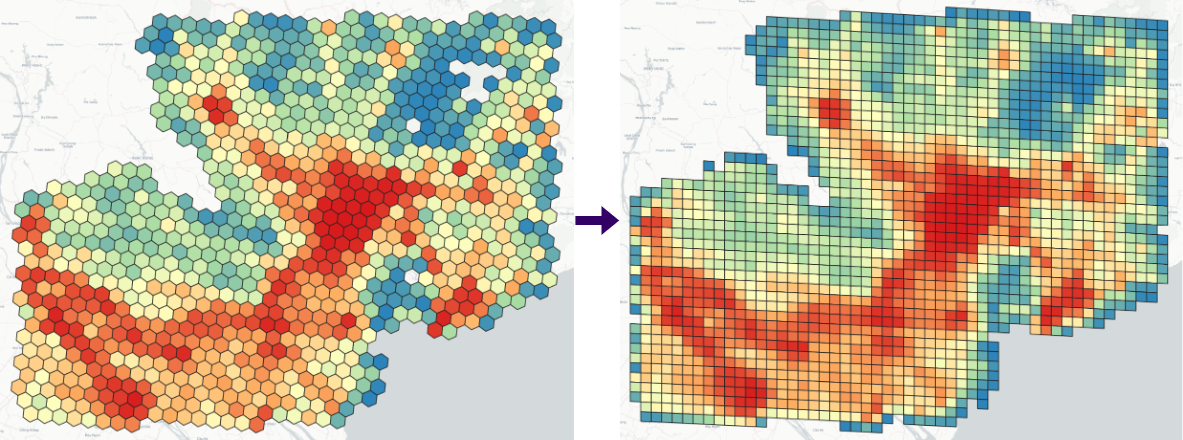
Resample accross different DGGSs.
DGGS Generator
Generate DGGS at a specified resolution within a bounding box.
Expressions
See Expressions
Settings
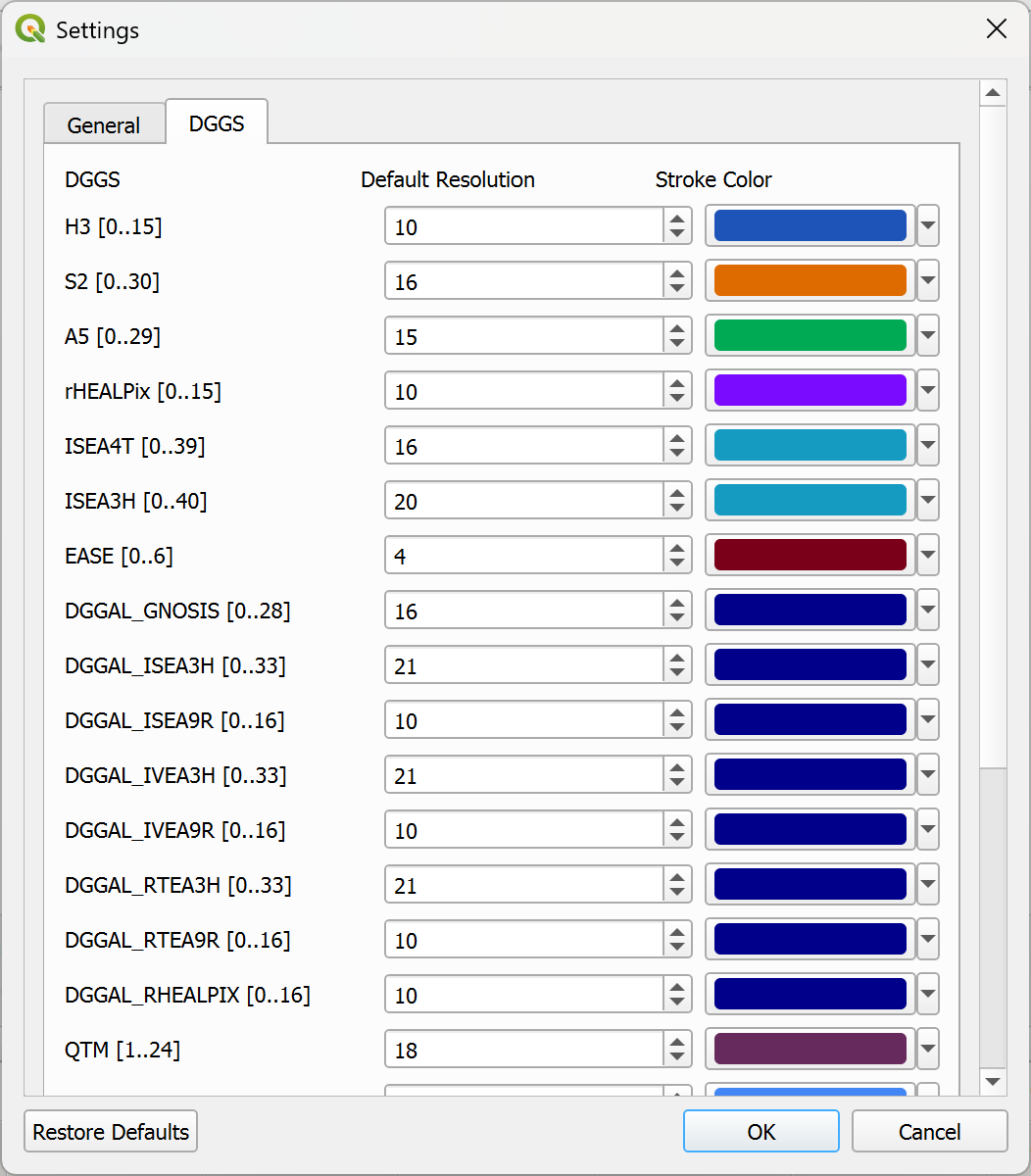
Configure default resolution, stroke color, and other DGGS cartographic options.