Installation
Vgridtools installation
Vgrid Plugin requires the vgrid Python package to work properly. This means that before you can use the plugin, you must ensure that the vgrid package is installed in the Python environment that QGIS is using.
How you install vgrid depends on the type of QGIS installation you are using:
OSGeo4W QGIS
Open OSGeo4W Shell and run the following commands before (or after) installing Vgrid Plugin
1 2 3 | |
Standalone QGIS
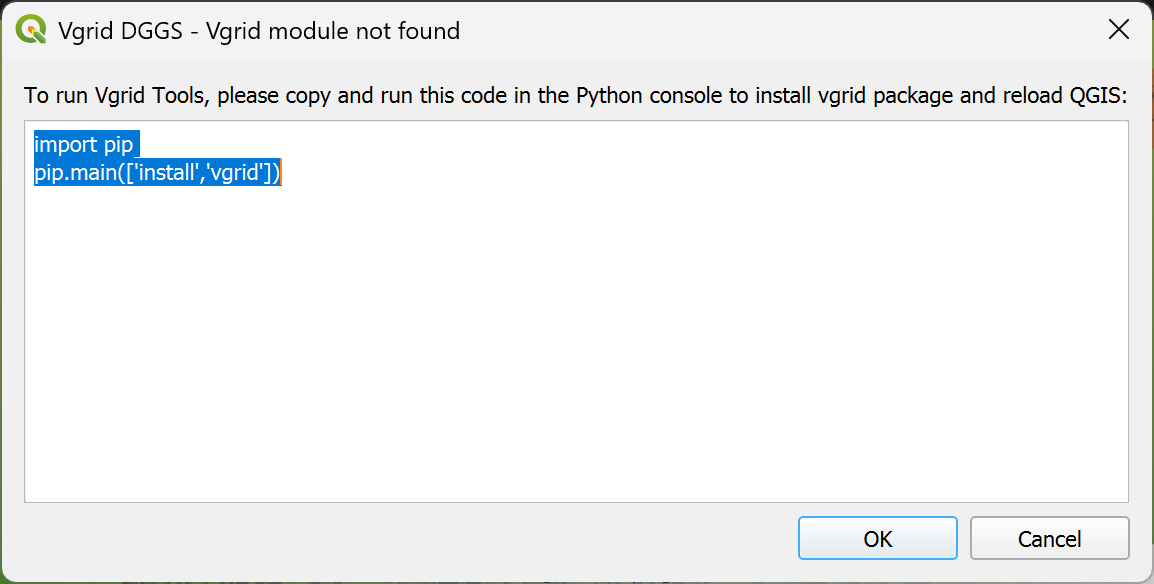
After installing Vgrid Plugin, a dialog will appear prompting you to install vgrid. Copy the following commands
1 2 | |
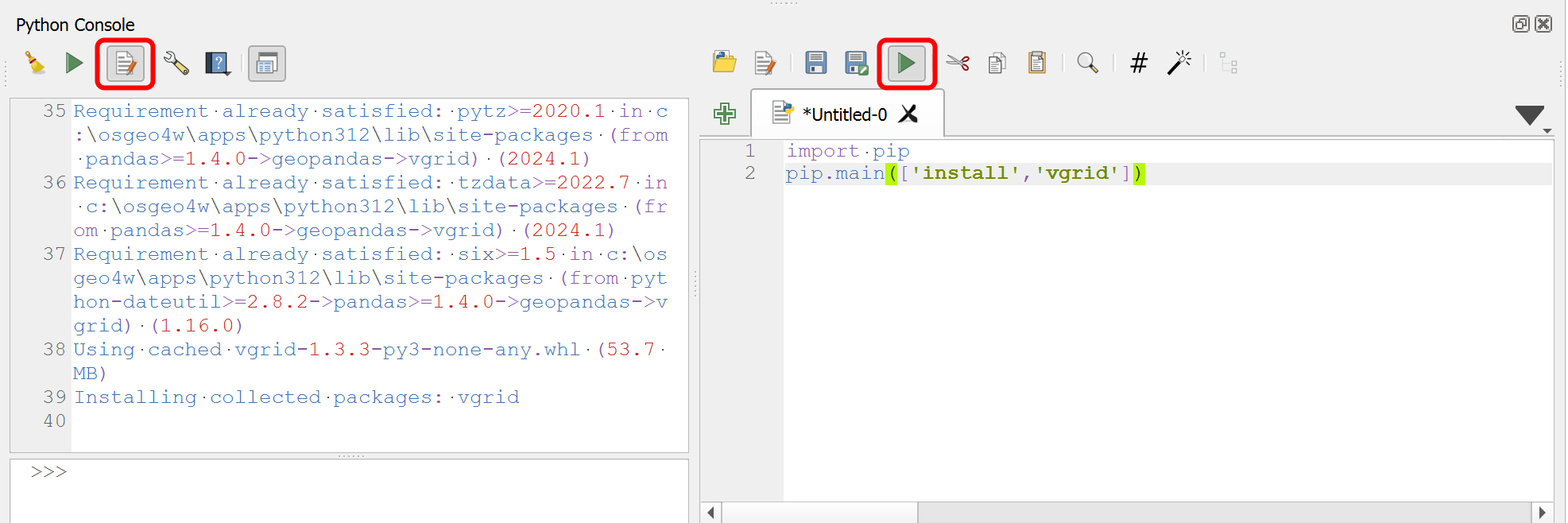
When QGIS starts, navigate to Plugins → Python Console, select Show Editor, paste the copied commands, and click Run Script.
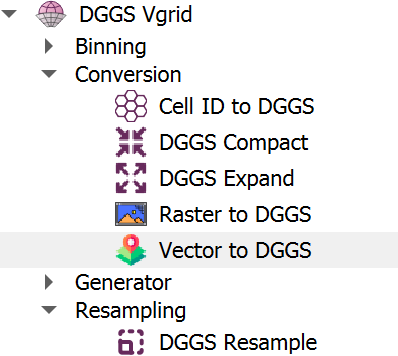
Restart QGIS, and you'll see DGGS Vgrid in the Menu bar, Toolbar, and Processing Toolbox.